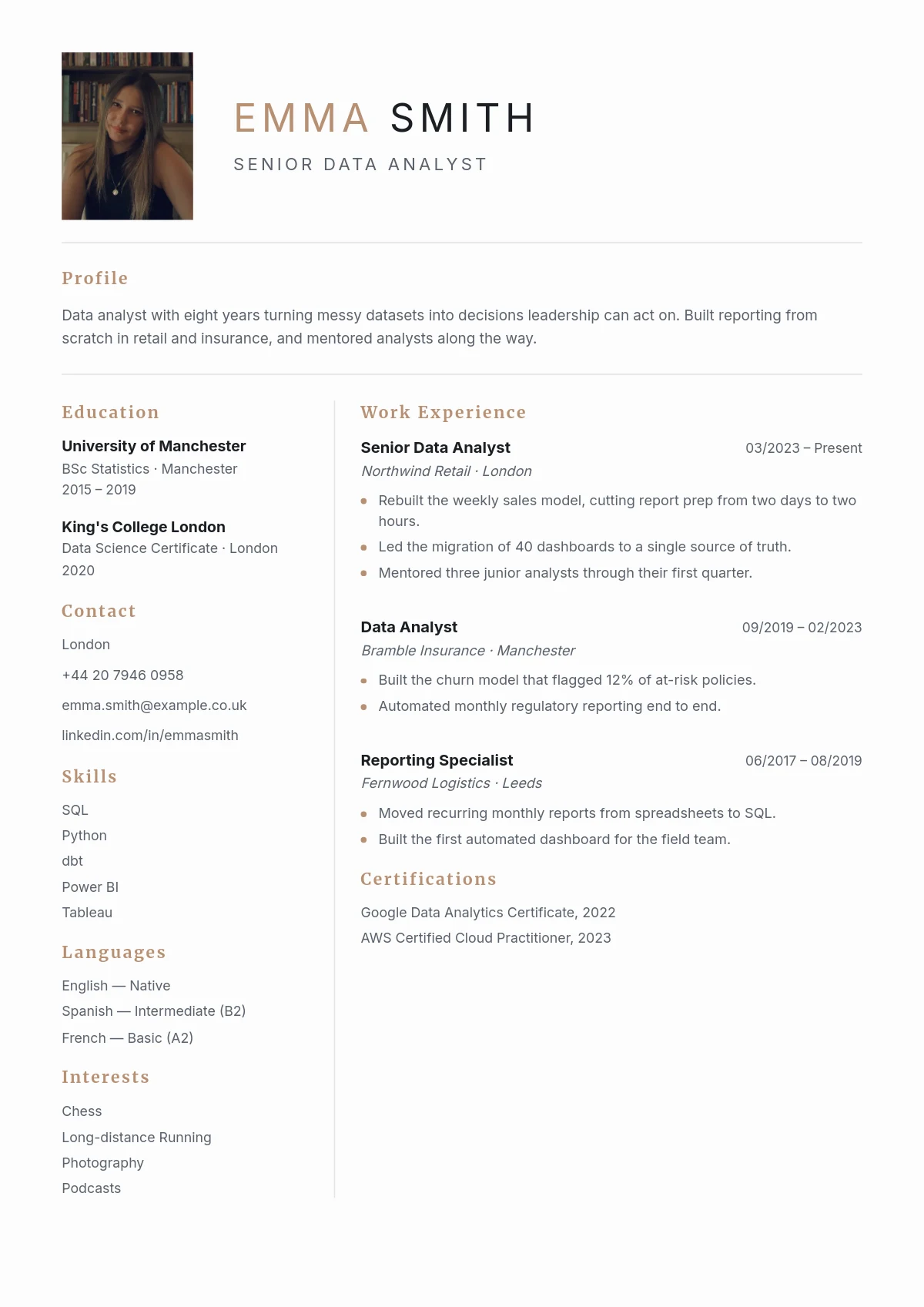
01 Pick your template
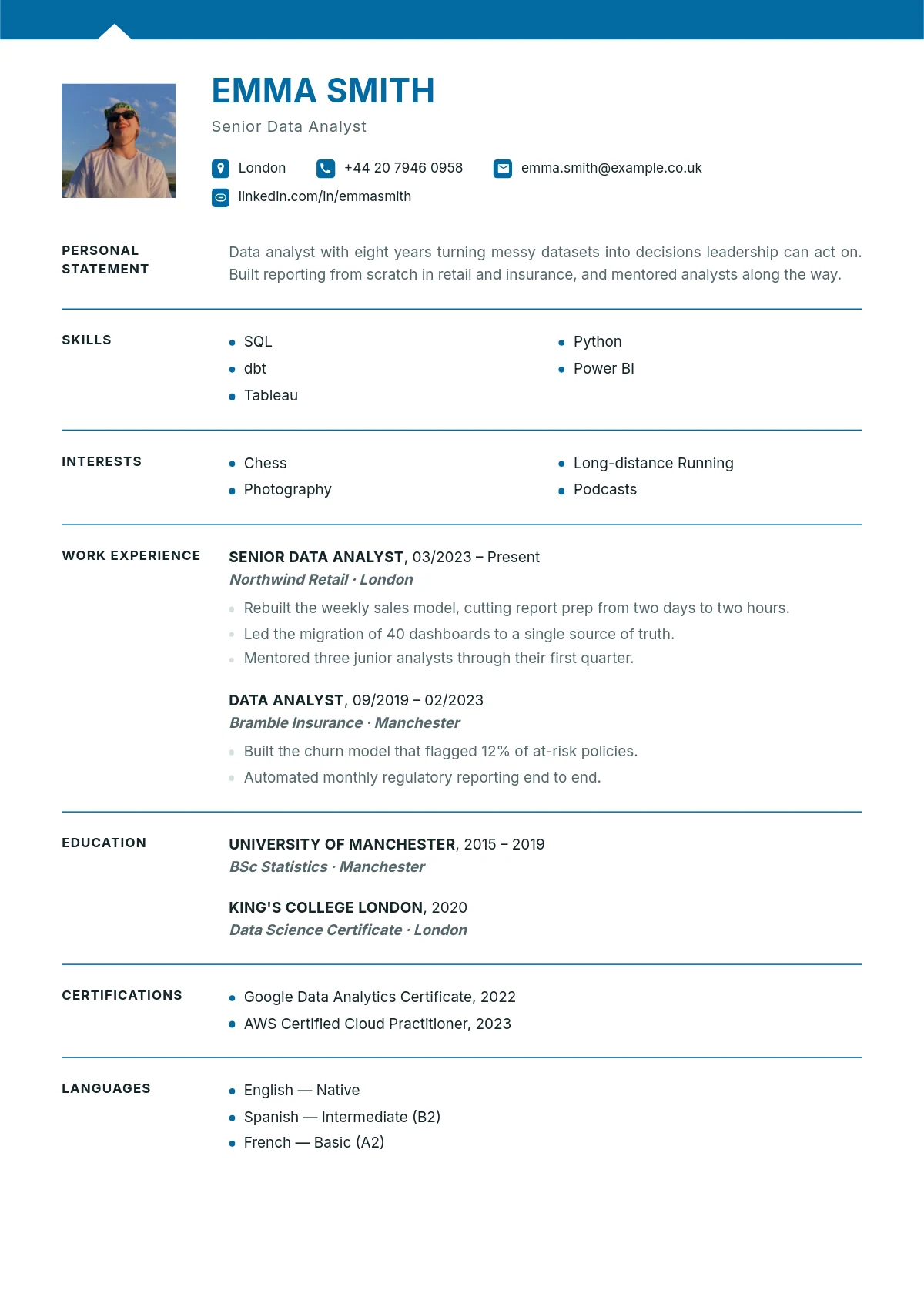
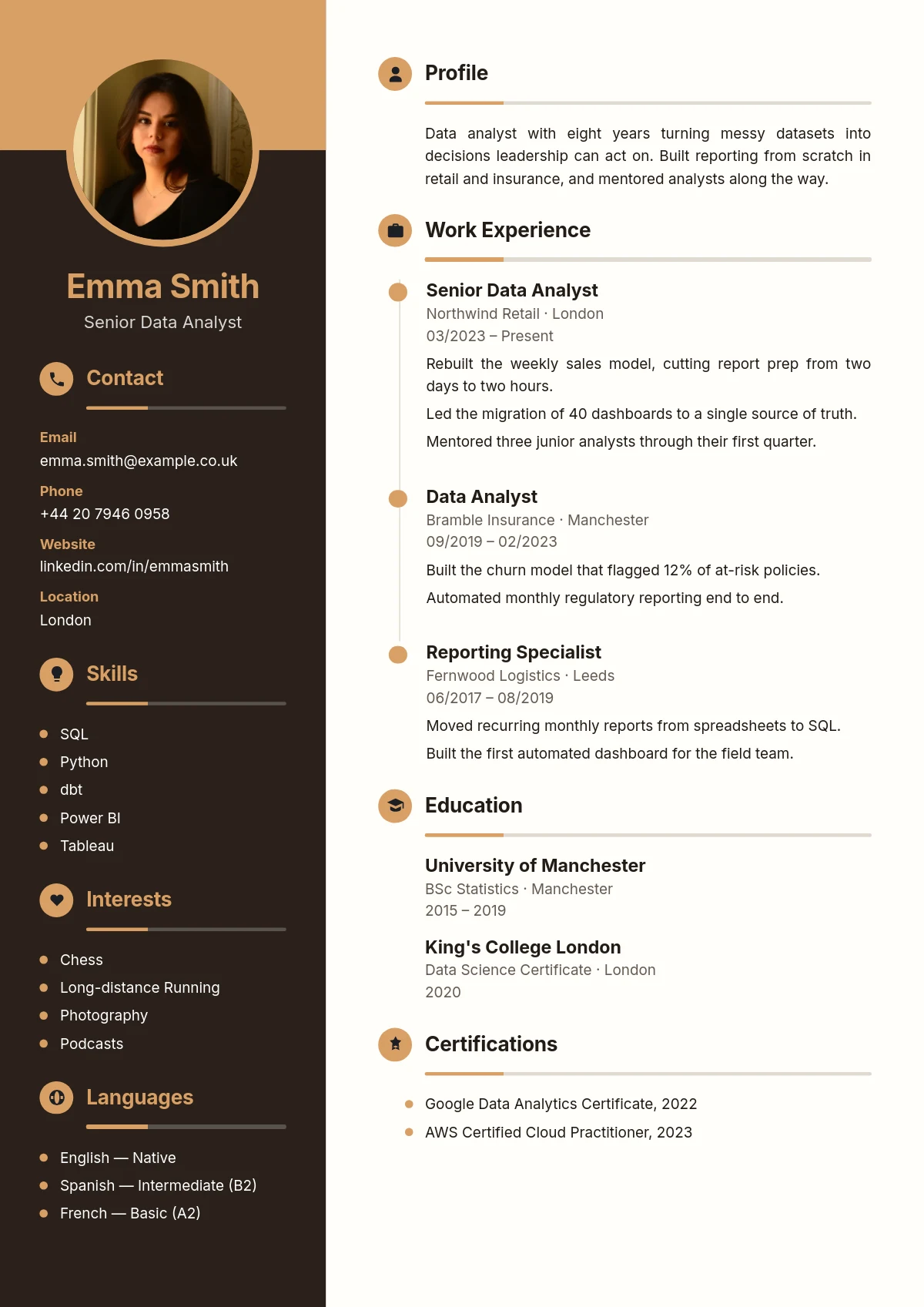
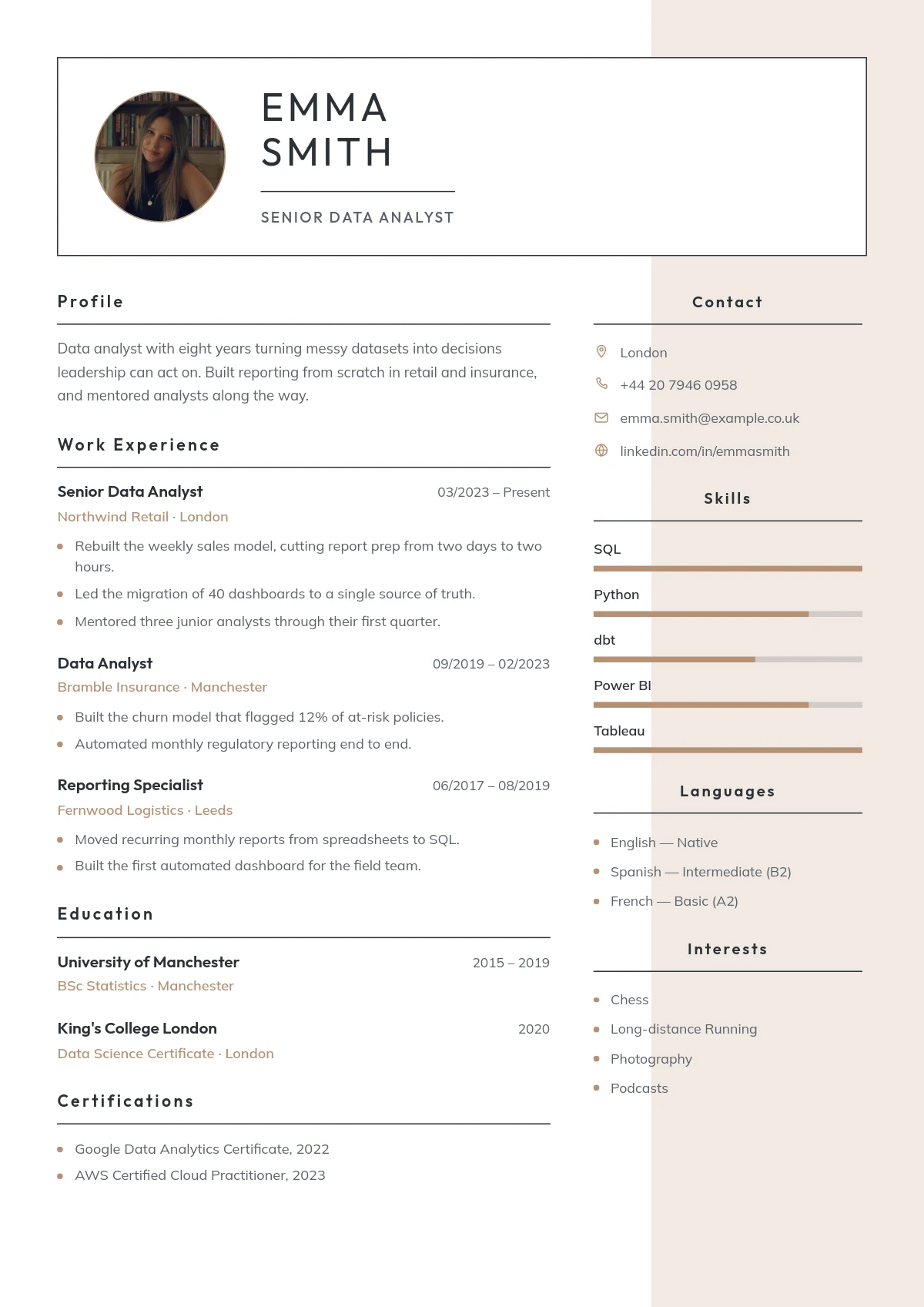
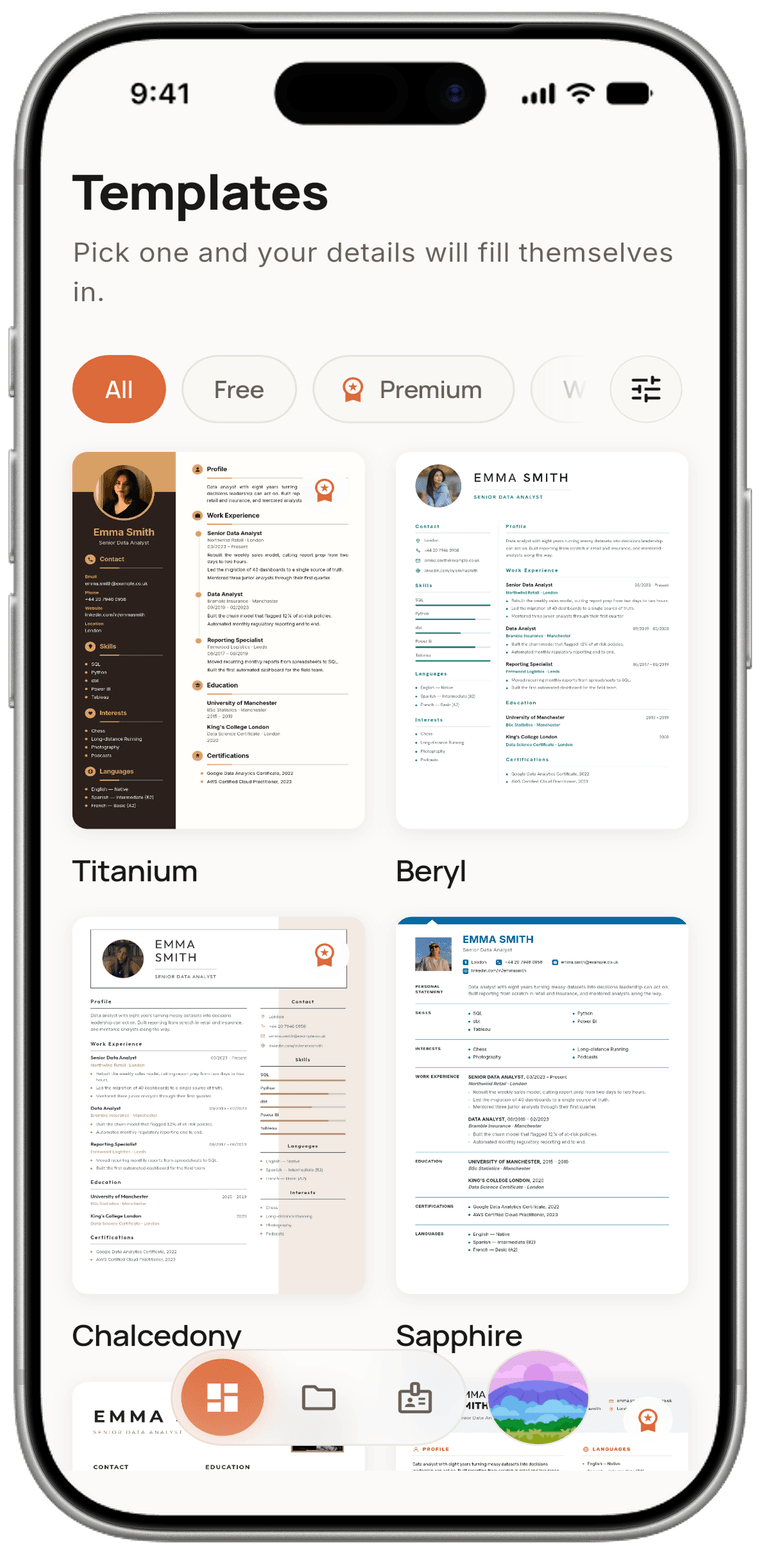
Free and Premium options side by side. Tap a design you like, look it over in detail and choose it right away.
You only enter your details once; switch templates and everything adapts automatically to the new design. The PDF you download contains real text, so applicant tracking systems (ATS) read it without a hitch.
English, Turkish, German and more — write your CV in whichever language you like.
Is it aligned, does it overflow the page, does the typeface fit… That is the app's job to worry about. You just focus on telling your story.
Fill in the 'My details' section and your data is stored safely. Create a new CV or switch templates and you never retype the same things; everything settles into the new design on its own.
Your PDF is made of real text, not a picture. Company applicant tracking systems (ATS) read your CV completely, so you don't get lost among the applications.
You know exactly how your CV will look before you download it. Even the line breaks in the preview are identical to the PDF you get.
Everything from the interface to the examples is in English. When you write a CV in another language, even the capitalisation rules follow that language's grammar automatically.
Every field comes with realistic examples to spark an idea. That way you never get stuck asking 'what do I write here?'.
Your CVs are stored on your phone and sync with your account when you sign in. You can work comfortably even without an internet connection.
If you like, put your profile online with one tap and share it as a link. You stay in control — take it down whenever you want.
No need to open a computer, move files around or email things to yourself.
Free and Premium options side by side. Tap a design you like, look it over in detail and choose it right away.
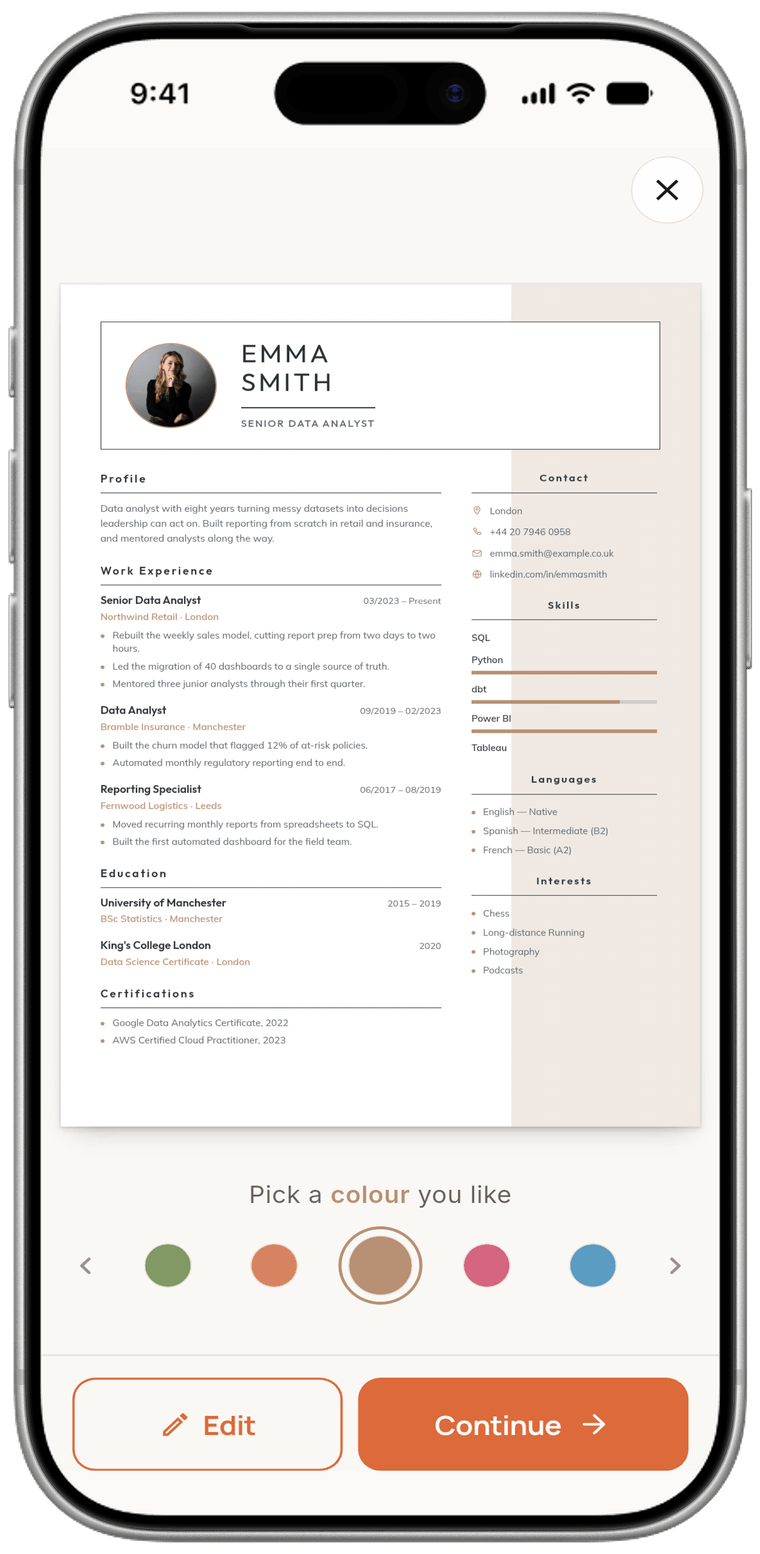
Every template has its own colour palette. Add a photo or leave it out, the design never falls apart.
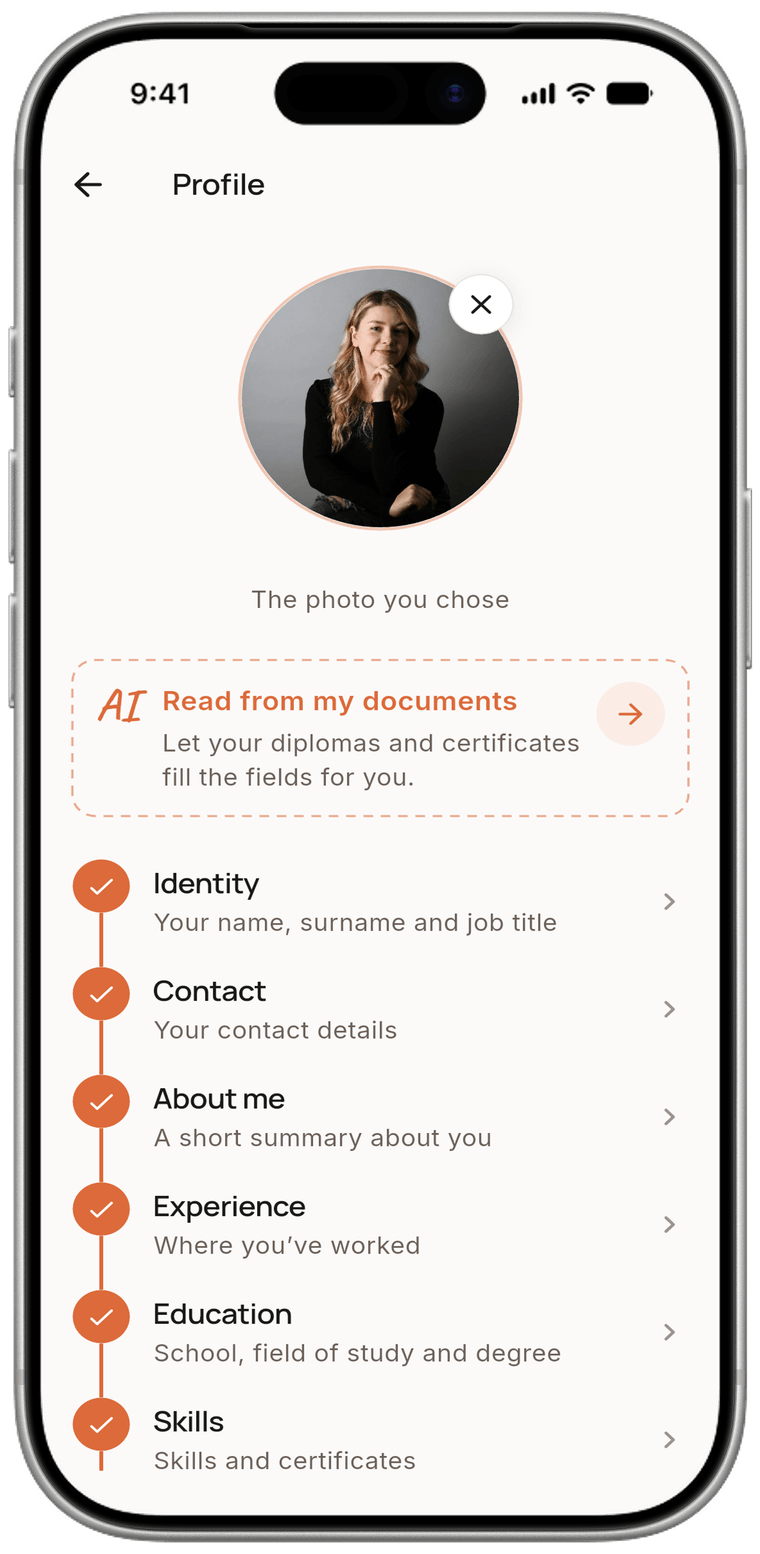
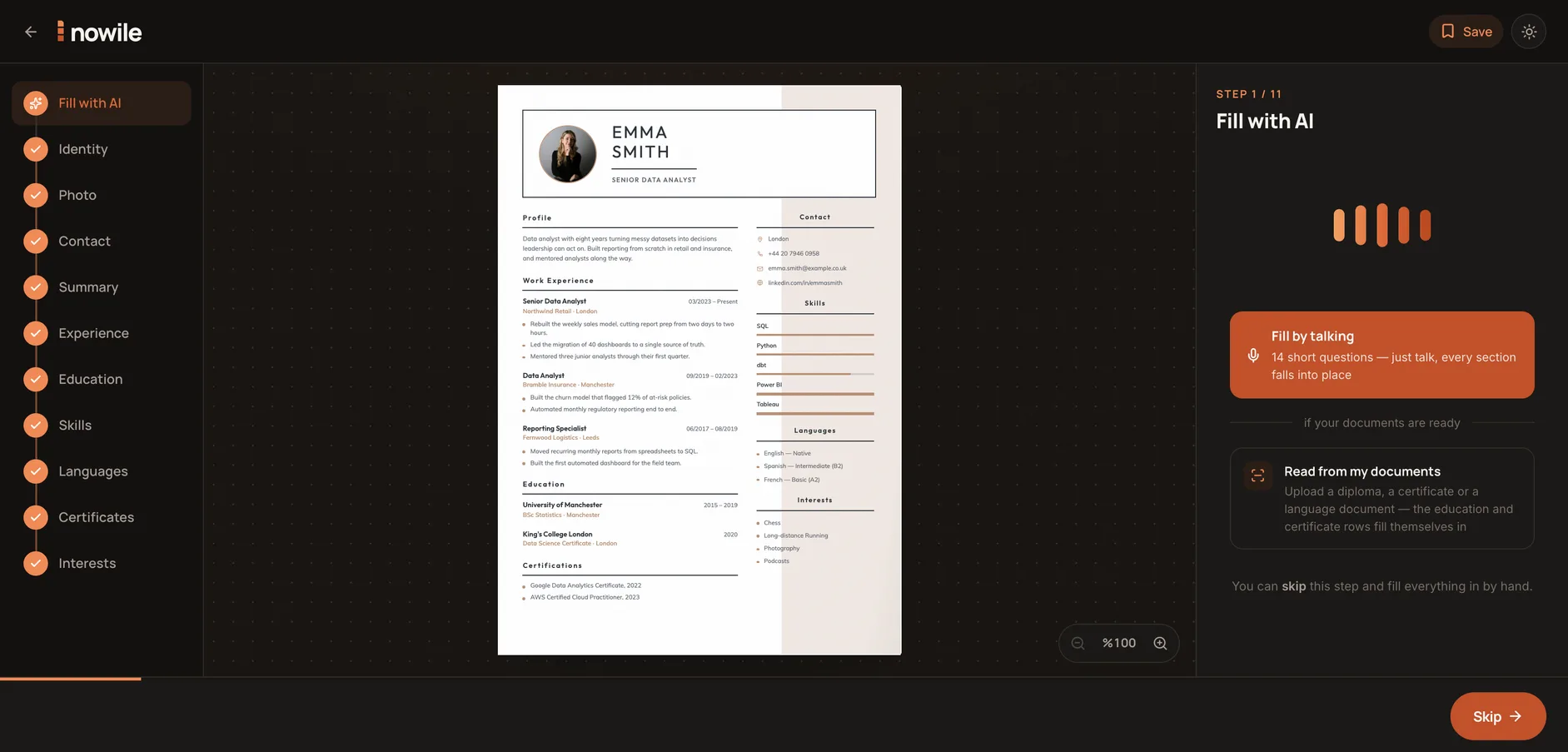
Name, job title, experience, education… The questions come in order. Fill them in by typing, by talking, or by photographing a document.
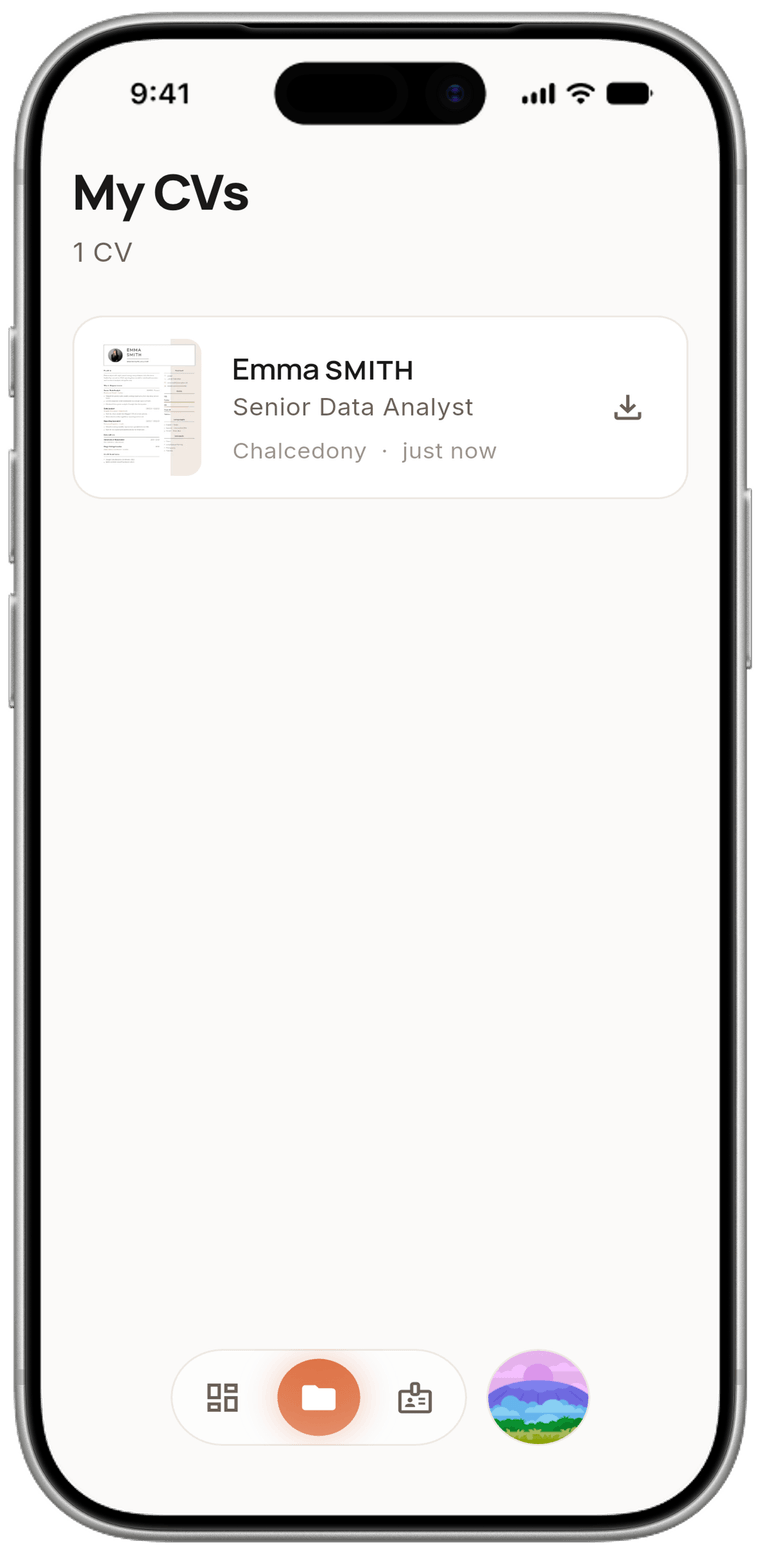
Your file is generated instantly; whatever you see on screen is exactly what the PDF gives you. Share it, send it or print it straight away.
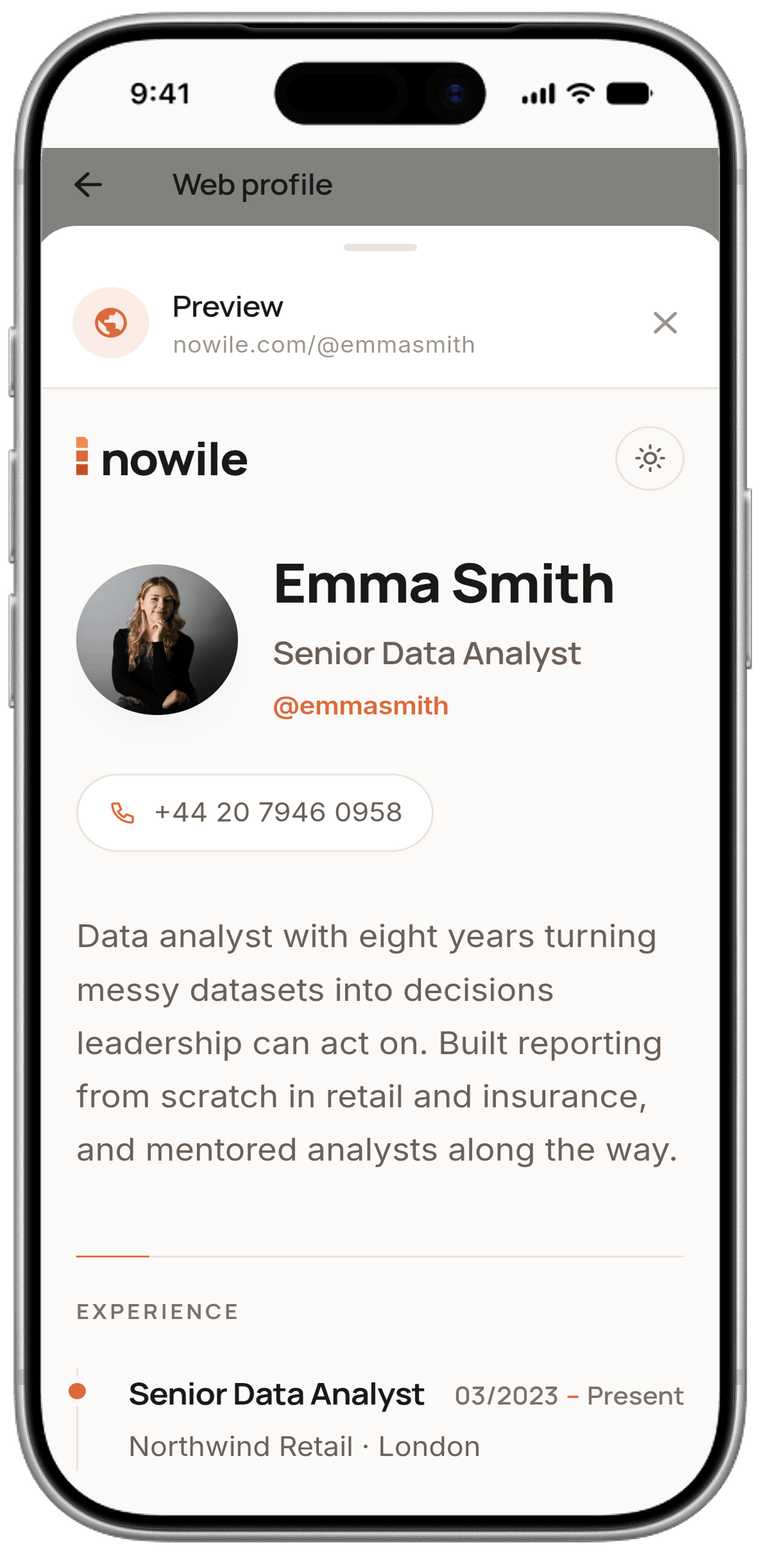
Pick a username and your CV turns into a page anyone can open. All you ever share is a link.
Our voice assistant asks you nine short questions. You answer naturally, and as soon as you do, AI tidies up what you said and places it in the right spots on your CV.
A diploma, a certificate or an old CV you still have… Whichever it is, a photo is enough. The details inside are scanned, parsed and written into the form on their own.
If typing on a keyboard suits you better, carry on in the browser. Same account, same CV — pick up wherever you left off on your phone.
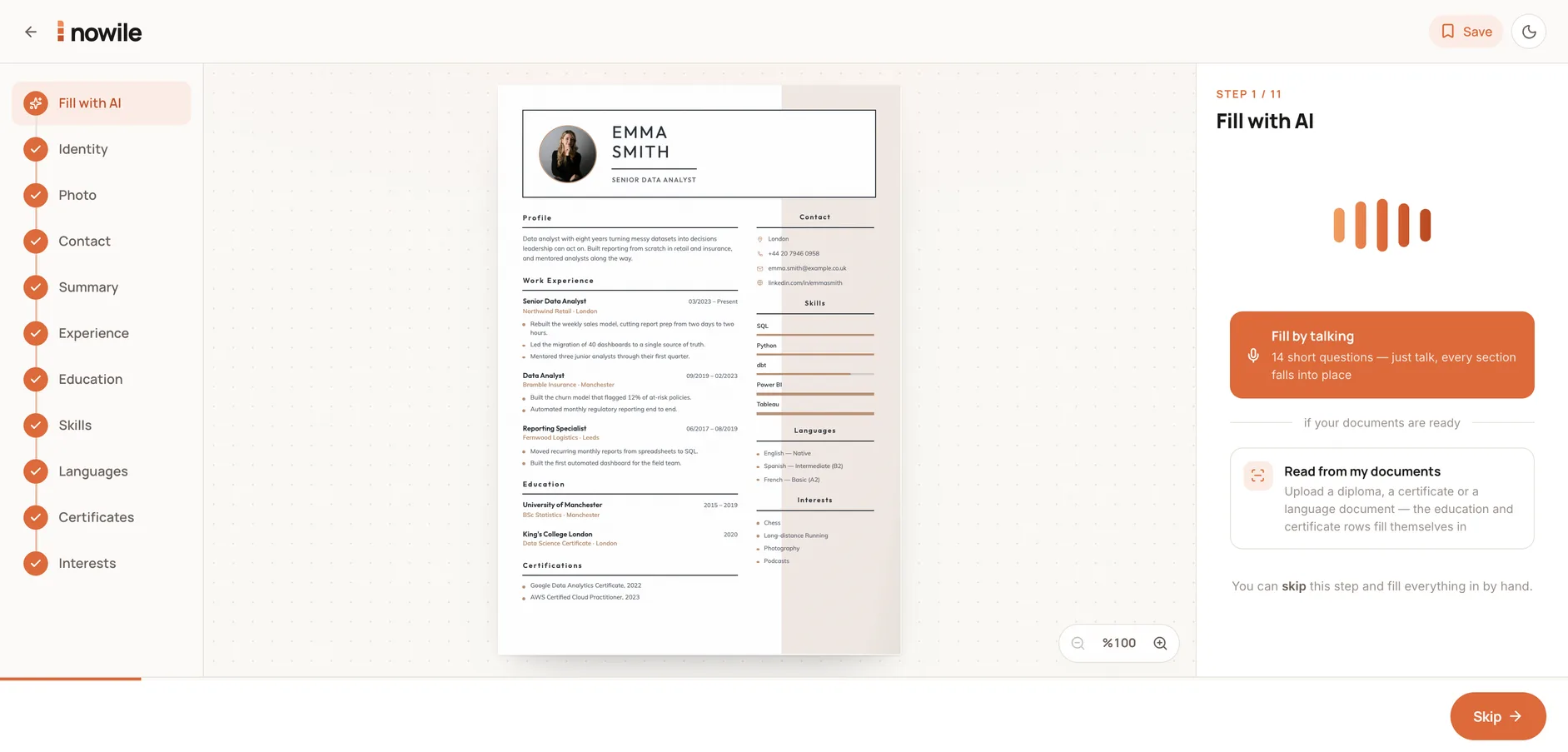
Pick your own address and your profile becomes a page anyone can open.
With the free templates you can build and download your CV from start to finish. If a particular Premium design catches your eye, you pay once — for that one only.
No credit card required.
The price appears in the store directly in your own local currency.
Payment is handled securely through the App Store or Google Play.
Yes. Our app includes free CV templates. Pick a free template, enter your details, build your CV and download it straight away. Premium templates are offered as paid.
No. You don't have to register or sign in to use the free templates. Just enter your details, build your CV and download it straight away.
Yes. No card or payment details are required while you use the free CV templates. Card details are only requested for the payment when you use a paid Premium template.
Yes. With the AI-assisted voice filling feature you can pass on your details just by speaking. The AI analyses what you said, organises the necessary information and places it in the right fields of your CV.
Yes. You can upload your existing CV or a supported document to the system. It detects the necessary information in the document and transfers it automatically into the matching fields of your CV.
Yes. Save your profile details and reuse them in the CVs you create later. You can view and update the saved details whenever you like.
Yes. You can return to the CV you created, change your details, update it and rearrange it. You can also return to your CV for a Premium template you purchased.
Yes. You can access the CV you created again, update it and download it once more. For Premium templates you have purchased, you have lifetime access.
Yes. Our CV templates are designed with readability by applicant tracking systems (ATS) in mind. An orderly section structure, standard headings and readable content help your CV be processed correctly by ATS systems. That said, ATS compatibility also depends on the features of the system used and on how well your CV content matches the job posting.
Download the app, pick your template, answer the questions. Let nowile handle the rest.